Messages
Text without breaking focus.
Read and reply to SMS and MMS from a native Mac conversation view, including photos, video, and attachments.
New message · 2mAre you coming for dinner?
Android and Mac, finally connected
Read and reply to messages, act on notifications, browse your phone's photos, move files, share your clipboard, and control media without a cloud account.

Prefer Homebrew? brew install --cask skj-apps/tap/droidport
100% local No account One-time purchase
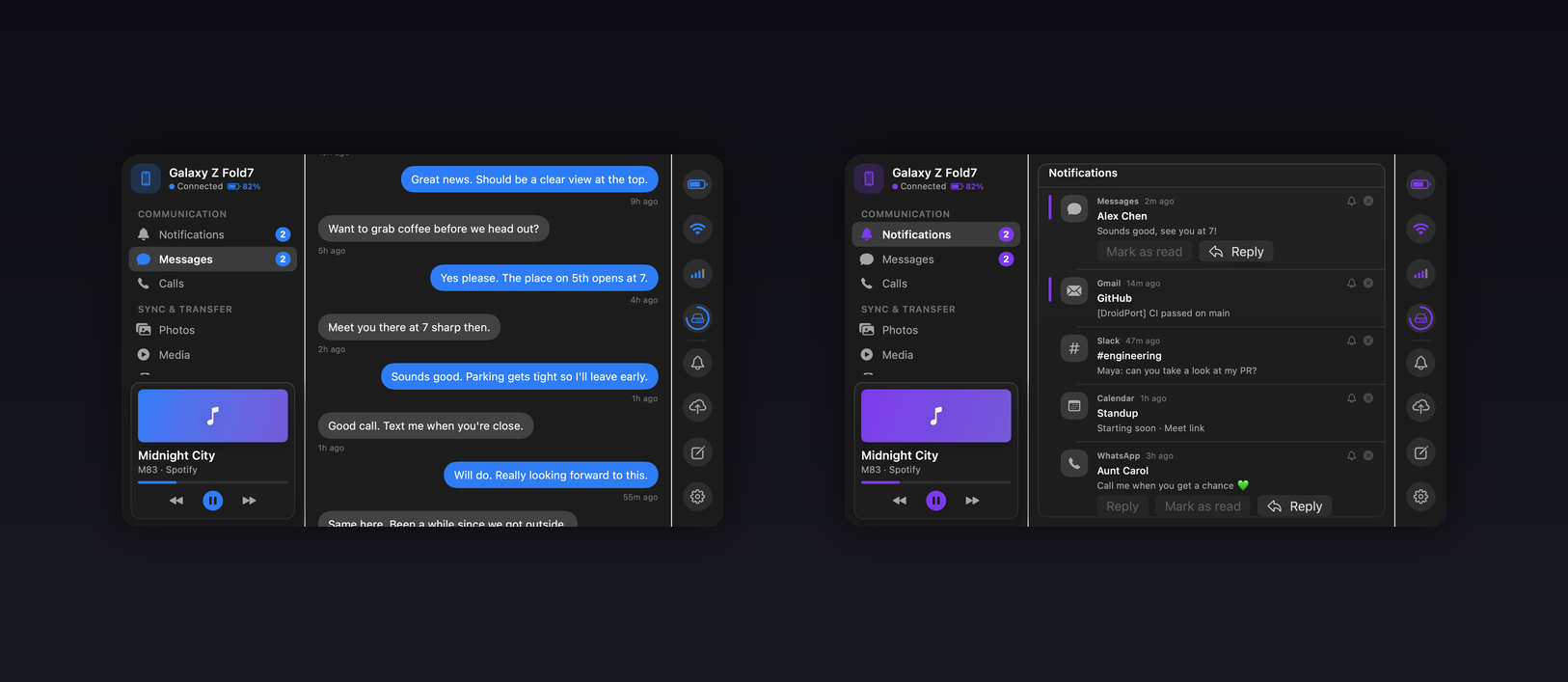
One connection. Your whole phone.
Quietly present when you need it. Out of the way when you don't.
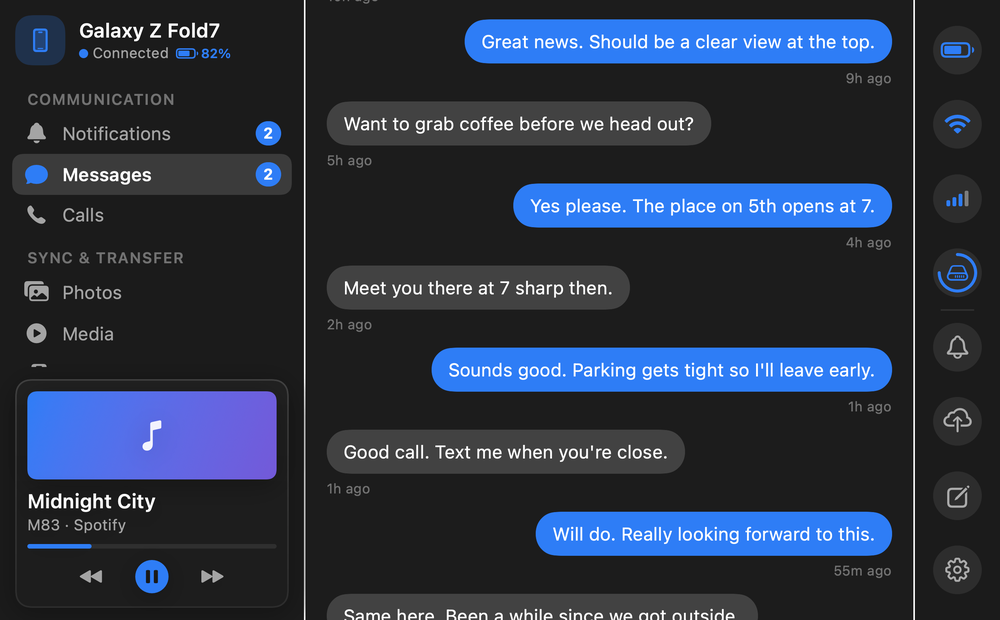
Messages
Read and reply to SMS and MMS from a native Mac conversation view, including photos, video, and attachments.
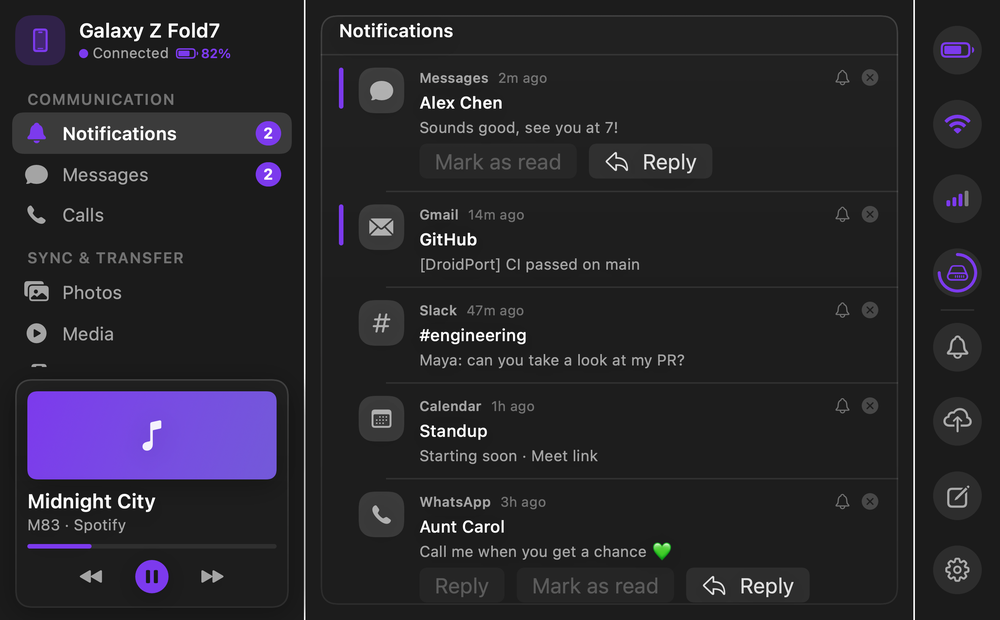
Notifications
Reply inline, run supported actions, dismiss alerts, or hide persistent ones without leaving the Mac app or menu bar.
Files + clipboard
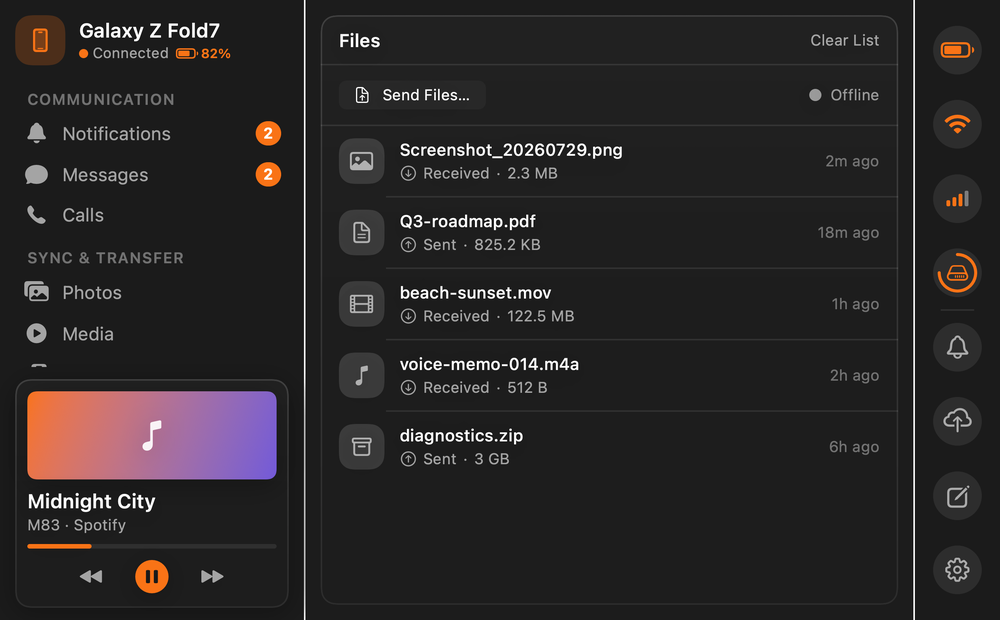
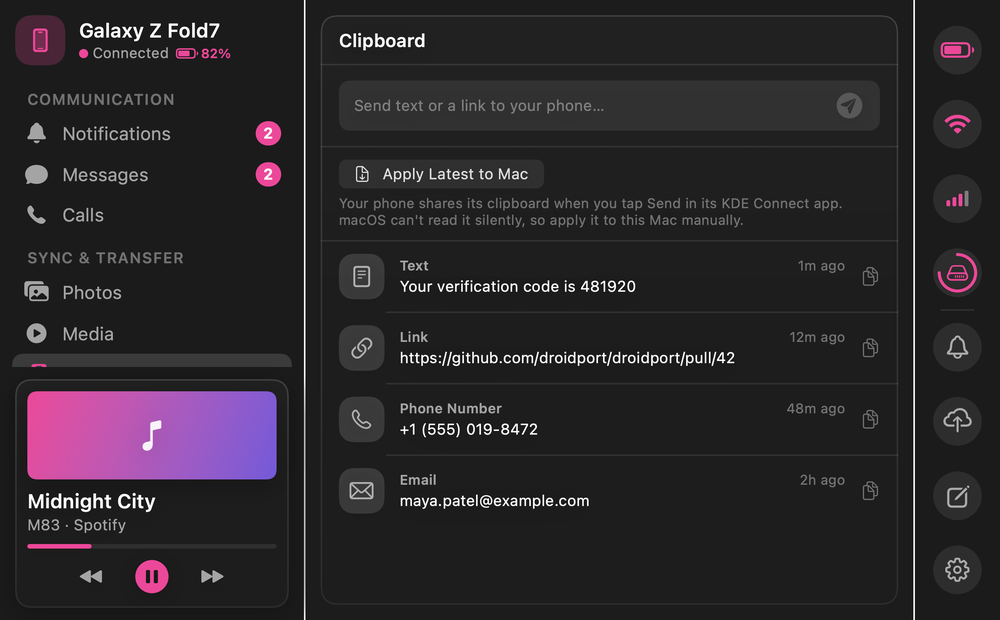
Send files in either direction, share from Finder, and bring copied text from your phone to your Mac over your local network.
See it in action
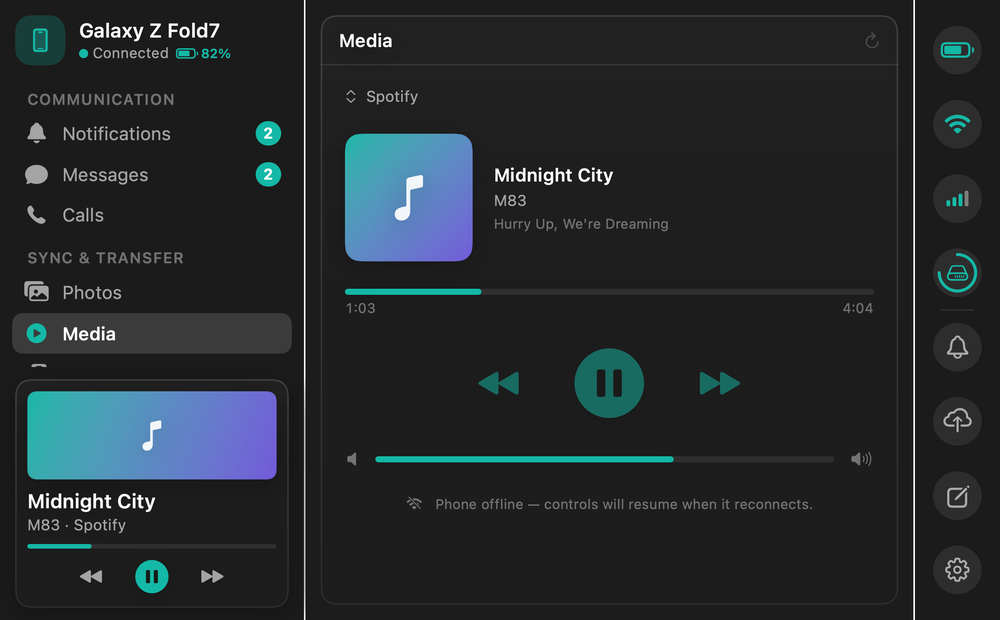
The full app, from a quick look at your messages to your files and media.
Your phone photos, on your Mac
Browse photos and videos straight from your phone. Open the full-resolution original, save a copy, drag it into Finder, or import everything new since last time.








Close at hand
Menu bar
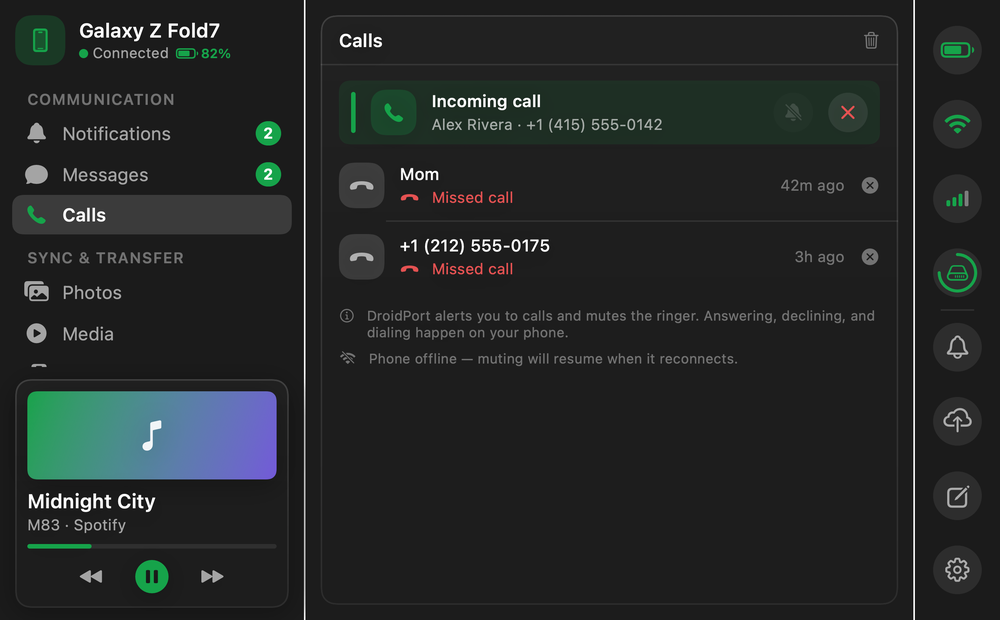
Calls + media
Device status
Local by design
DroidPort connects over your local network. There is no DroidPort cloud, no account to create, and no remote copy of your messages or files.
 Android
Simple setup
Install KDE ConnectFree and open source on your Android phone.
Join the same Wi-FiDroidPort discovers your phone nearby.
Accept the pairingYour devices reconnect automatically.
Built-in demo
DroidPort includes a complete sample device with messages, notifications, calls, media, files, and photos. It never touches the network.
DroidPort for macOS
Native for macOS · $9.99 once · No subscription
Prefer Homebrew? brew install --cask skj-apps/tap/droidport
100% local No account Notarized